Digital Printing Workshop Resources
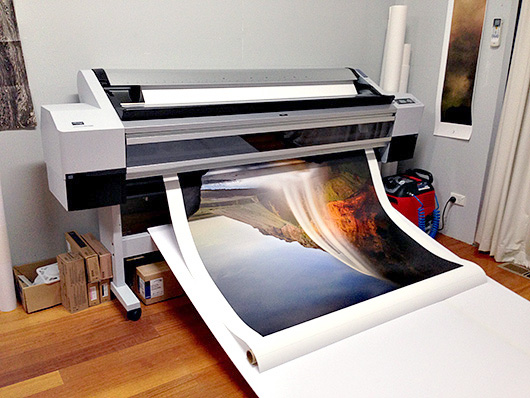 On this page you will find the resources from our Digital Printing Studio Workshop.
DOWNLOAD INSTRUCTIONS:
Left Click on each link to access the file in a new browser window (zipped folders can’t be previewed) where y0u can Download it directly from our DropBox (i.e. in the browser window’s top right corner select Download/Direct download).
Introduction
• README First (156 kb)
File Preparation Notes
• The Five Image Processing Questions (828 kb)
• The ABC of Colour Correction (143 kb)
• My Emotional Theory of Print Size (42 kb)
• My Emotional Theory of Aspect Rations (378 kb)
• Sharpening Workflow (318 kb)
Printing Notes
• The Famous Five Domains of Print Making (15 kb)
• The Famous Five Paper Characteristics (30 kb)
• Paper Classification (520 kb)
• Printing with Mirage Print (4.0 mb)
• Preparing Images for Printing on MK Papers (22 kb)
• Photoshop Hard Proofing for Printing with Pro Labs (2.9 mb)
• BW Printing Summary (43 kb)
• Why Les Walkling & Co Custom Profiles? (604 kb)
Printing Movies
• Printing Lightroom Movie DOWNLOAD (35.1 mb)
• Preparation for Printing Movie DOWNLOAD (45.1 mb)
• Flattening Curled Paper Corners and Edges Movie DOWNLOAD (14.2 mb)
• Paper Flattening (YouTube)
• The New Canson Infinity Inkjet Papers (YouTube)
Photoshop Actions
• Installing Actions in Photoshop (53 kb)
• Les Walkling Photoshop Digital Printing Actions (4 kb)
Monitor Calibration and Soft Proofing
• Are you Seeing Correct Colour? (60 kb)
• Introduction to Monitor Calibration (52 kb)
• Lighting Theory (809 kb)
• Advanced Soft Proofing Monitor Calibration Movie DOWNLOAD (58.57 mb)
• HSL Soft Proof Correction Layer (160 kb)
Printing Aids
• Warm Tone and Cold Tone Soft Proofing Printer Profiles (2.1 mb)
• Light-Dark Levels LAB Test Target (15.75 mb)
• 18 Step Wedge Uniform sRGB (26 kb)
• ColourChecker 24 Step Ad0be RGB Test Target (52 kb)
• ColourChecker 24 Step sRGB Test Target (56 kb)
• White Point Luminance Target (13 kb)
Movie downloads are MPEG files that can be viewed in most video players, and our course notes require a PDF Reader such as Adobe Acrobat:
Regards
Les Walkling < Email >